

PWA - Progressive Web Applications
Some web applications can be installed, like a regular, native application.
Once installed:
- The application has its own icon. You can open it directly by double-clicking its icon.
- The application will automatically update itself when a new version is available.
- You can use the application while being offline (no internet connection).
Note: this is still quite an experimental feature. It's still evolving. The best support is offered by the Chrome browser.
I can not open any support. In case of problem, please consult the Google Support pages and/or search Google (keyword: PWA). There's a ton of good and helpful articles on the web.
Applications that can be installed and used offline:
At the moment, the following applications have been updated to support the PWA mode:
- Nektar Pacer Editor
Will be updated as soon as I have the time to do it: Enzo, Mercury and Polymoon editors.
Installation:
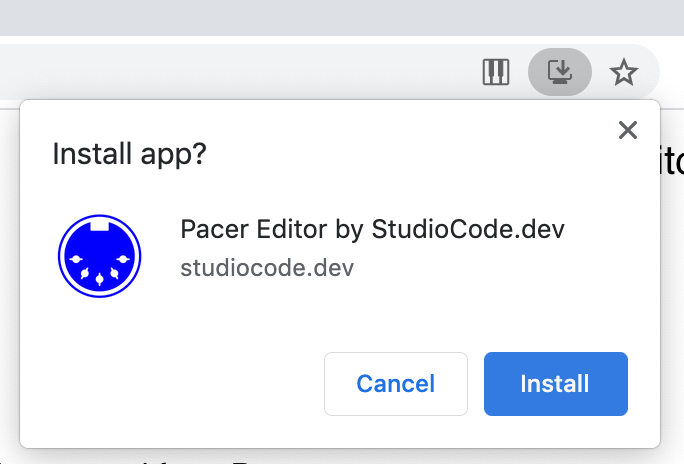
Click the "Install" icon:

Then click on the "Install" button:
Usage:
You can find your application under chrome://apps. Double-click the application icon to launch it.
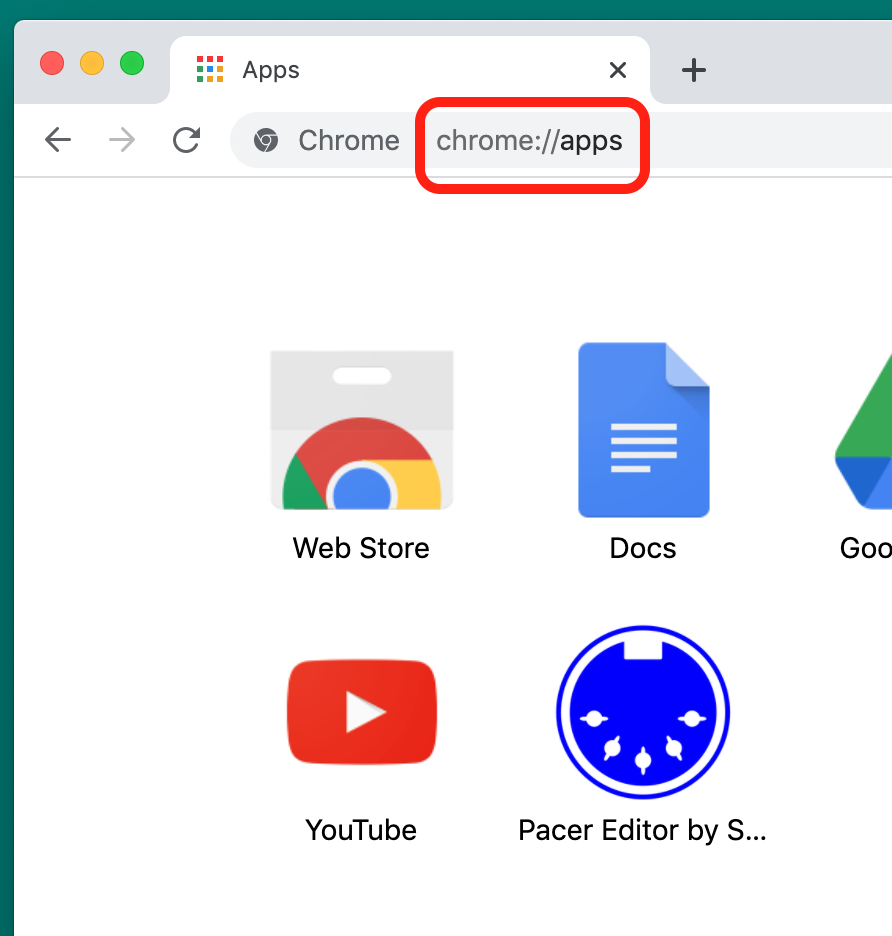
You can also create a shortcut on your Desktop.
Uninstallation:
You can uninstall the application from the application itself or from its icon/shortcut.
From the application:
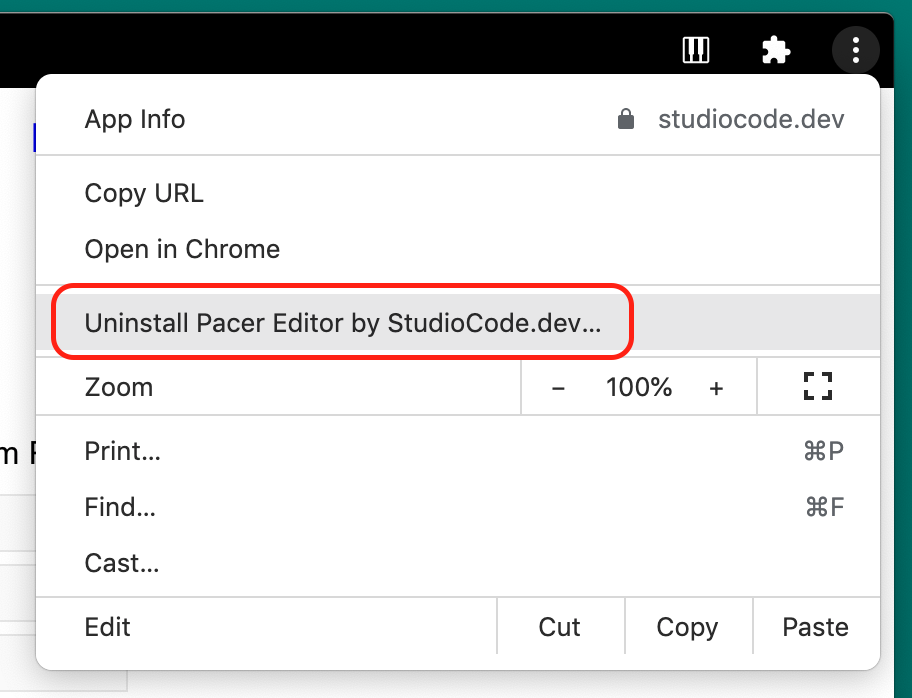
Open the upper-right menu:
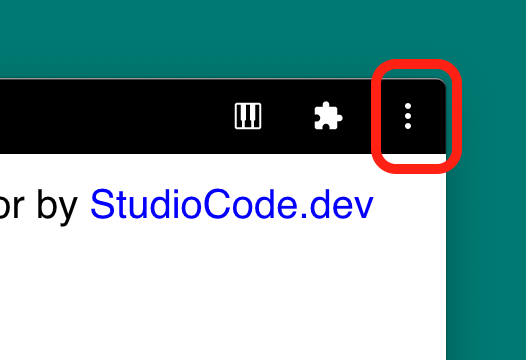
and select the Uninstall command.
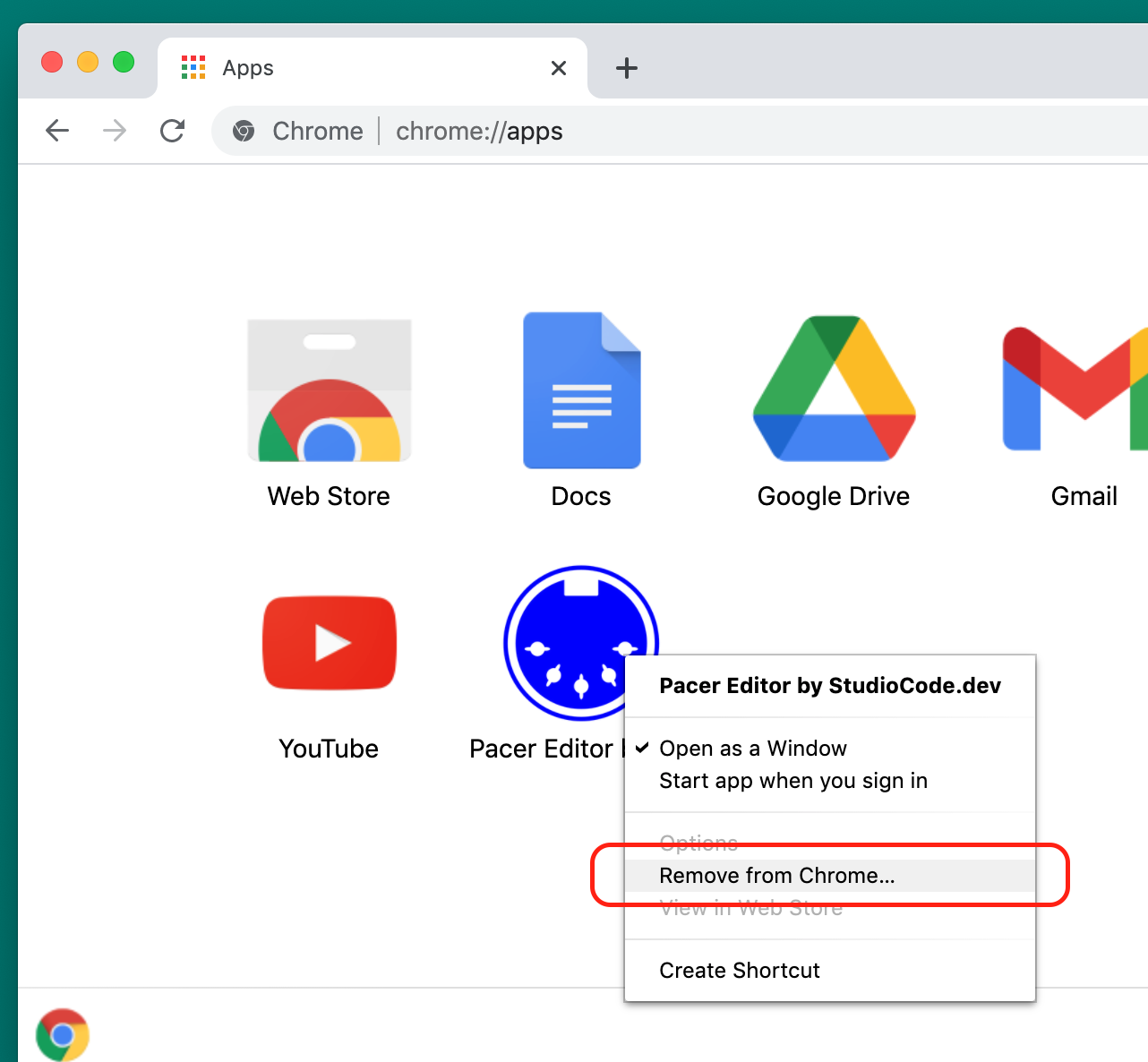
From its icon/shortcut:
Right-click the icon and select the "Remove from Chrome..." option.